Steps to Integrate a Blockchain Wallet in KoinX Books using API
Step-by-step guide for integrating blockchain wallets into KoinX Books for automated crypto tracking.
Managing your company’s Web3 finances manually is a challenge, especially when dealing with multiple wallets and frequent on-chain transactions. Without an automated system, tracking transactions for portfolio management and tax purposes becomes time-consuming and prone to human error.That’s where KoinX Books comes in. You can integrate your blockchain wallet using an API, and you can automate the entire process. KoinX Books fetches your on-chain activity directly from the blockchain, keeping your records accurate and up to date.Follow these steps to seamlessly connect your blockchain wallet and import your transaction history:
1
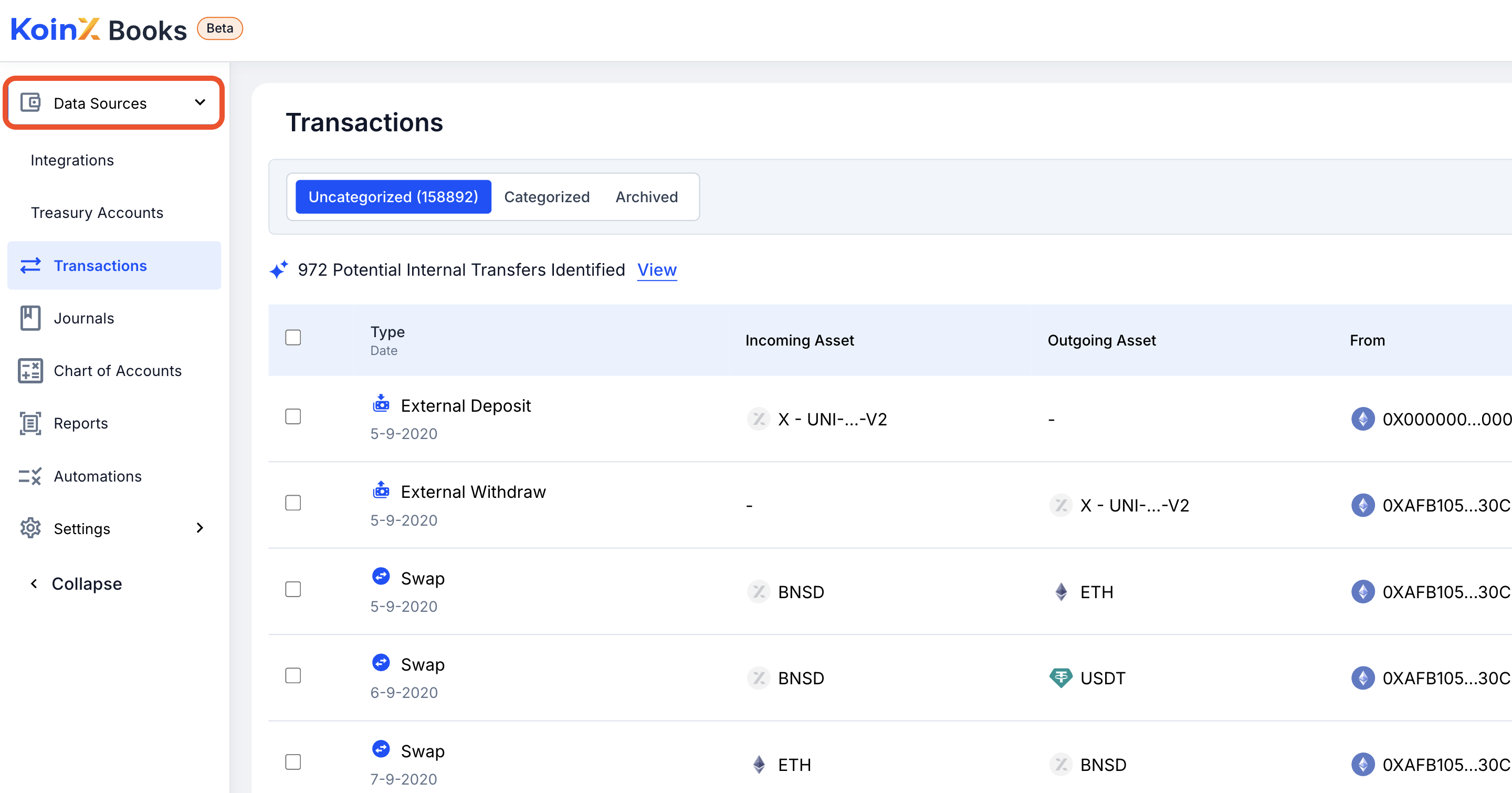
Navigate to Data Sources
Log in to your KoinX Books account and go to the Data Sources section from the main menu.
2
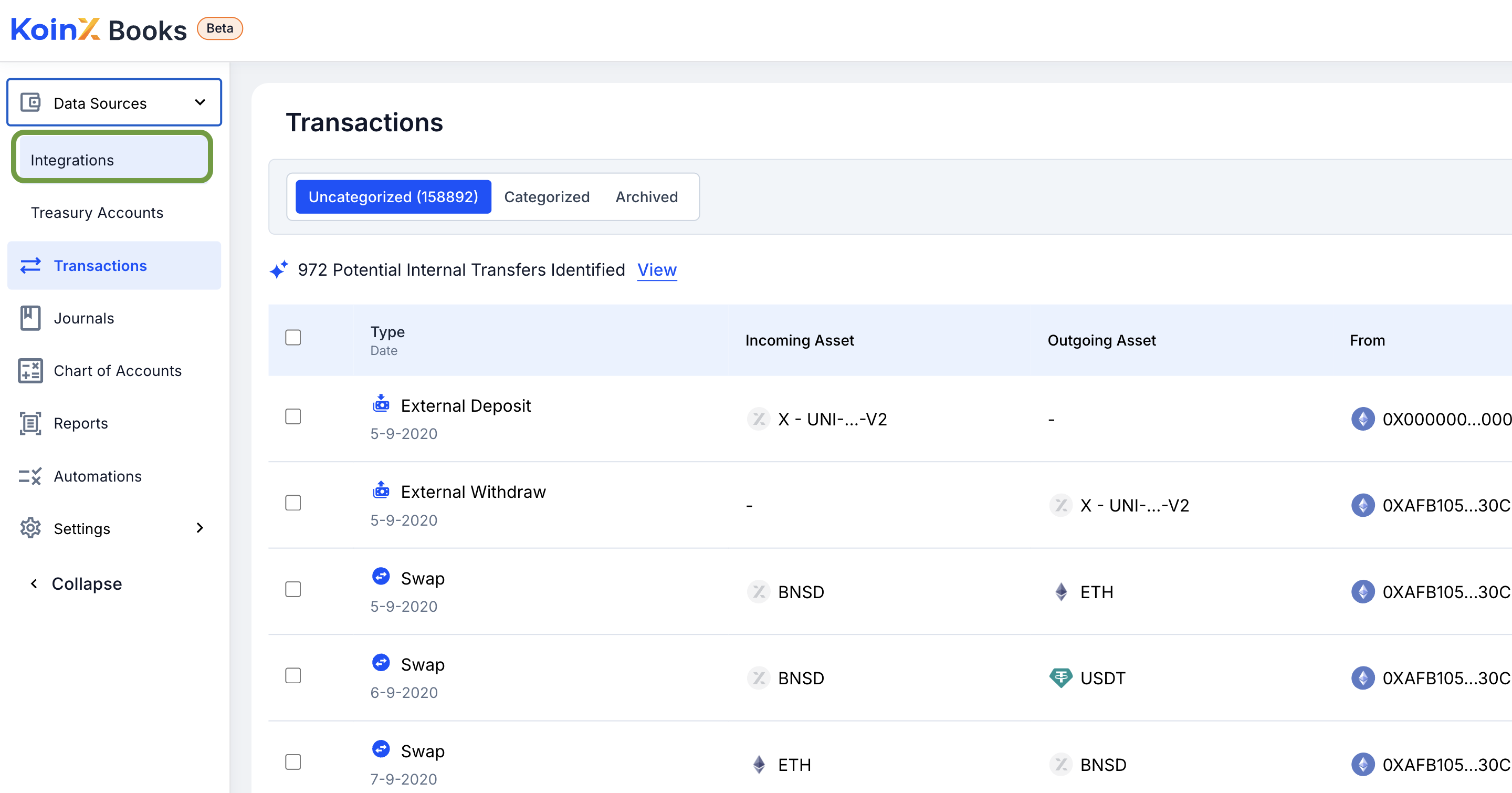
Click on Integrations
Open the Integrations tab to view available options.
3
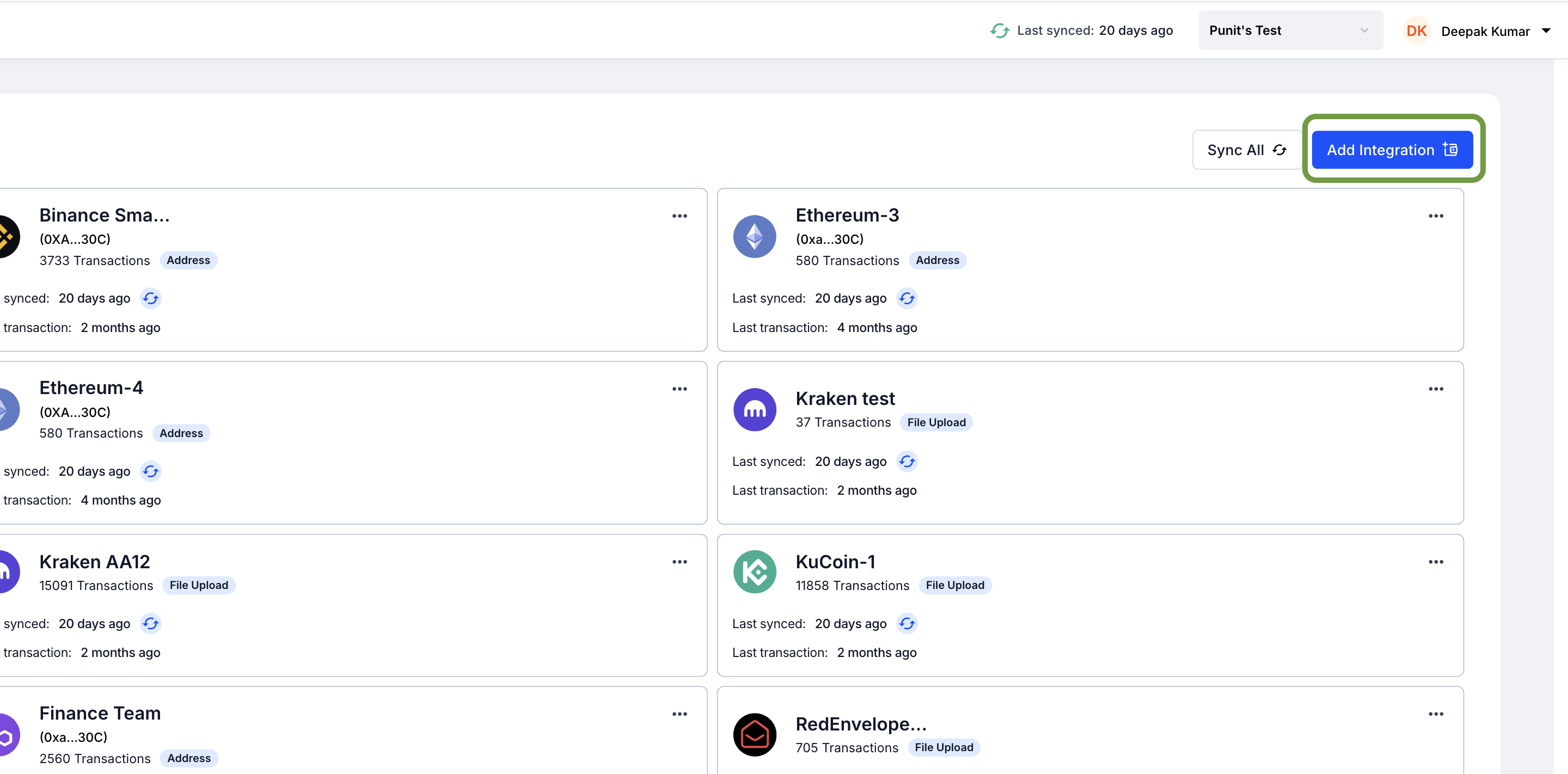
Add a New Integration
Click the Add Integration button to begin setting up your blockchain wallet.
4
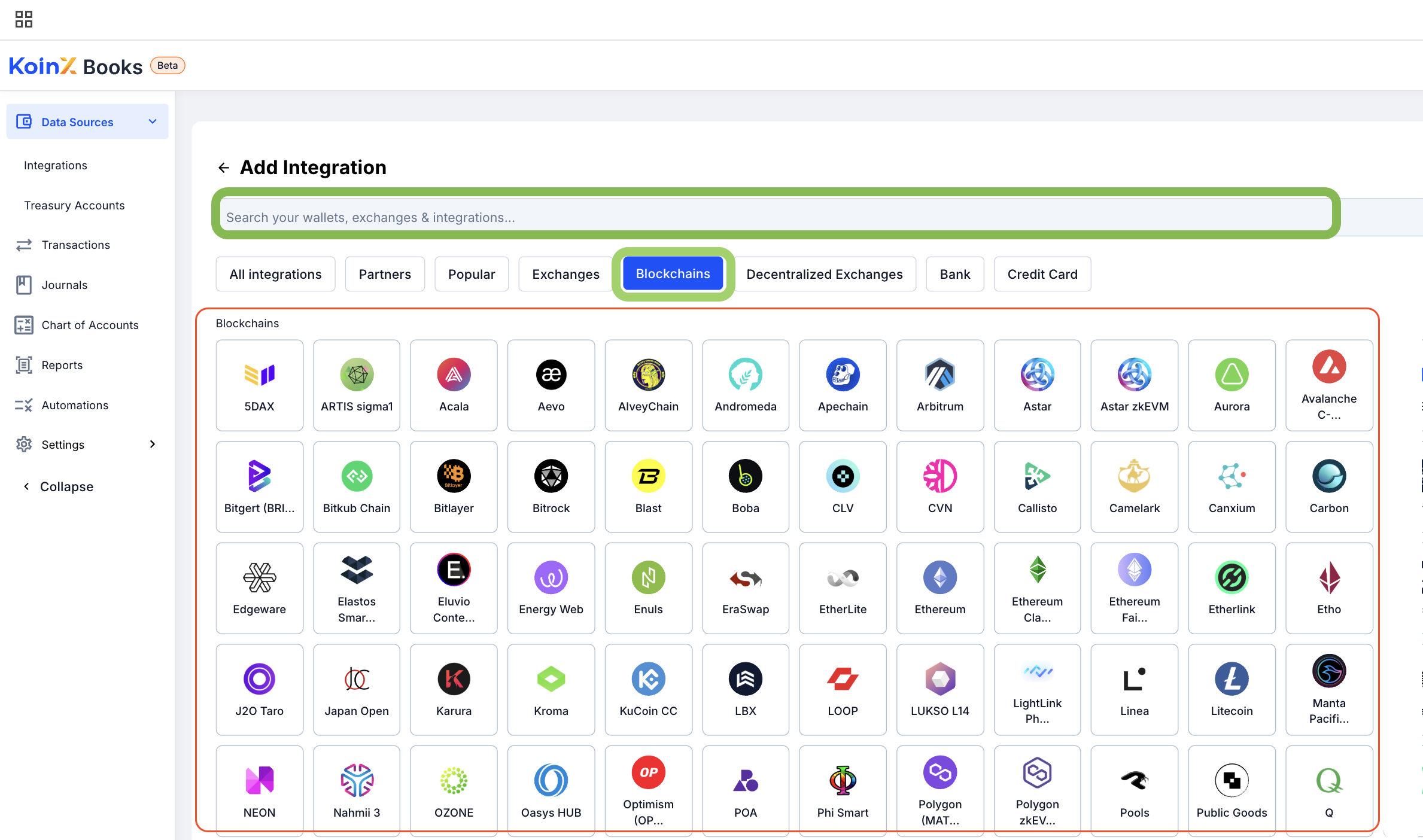
Select the Blockchain
Search for or select your blockchain from the list of supported networks.
5
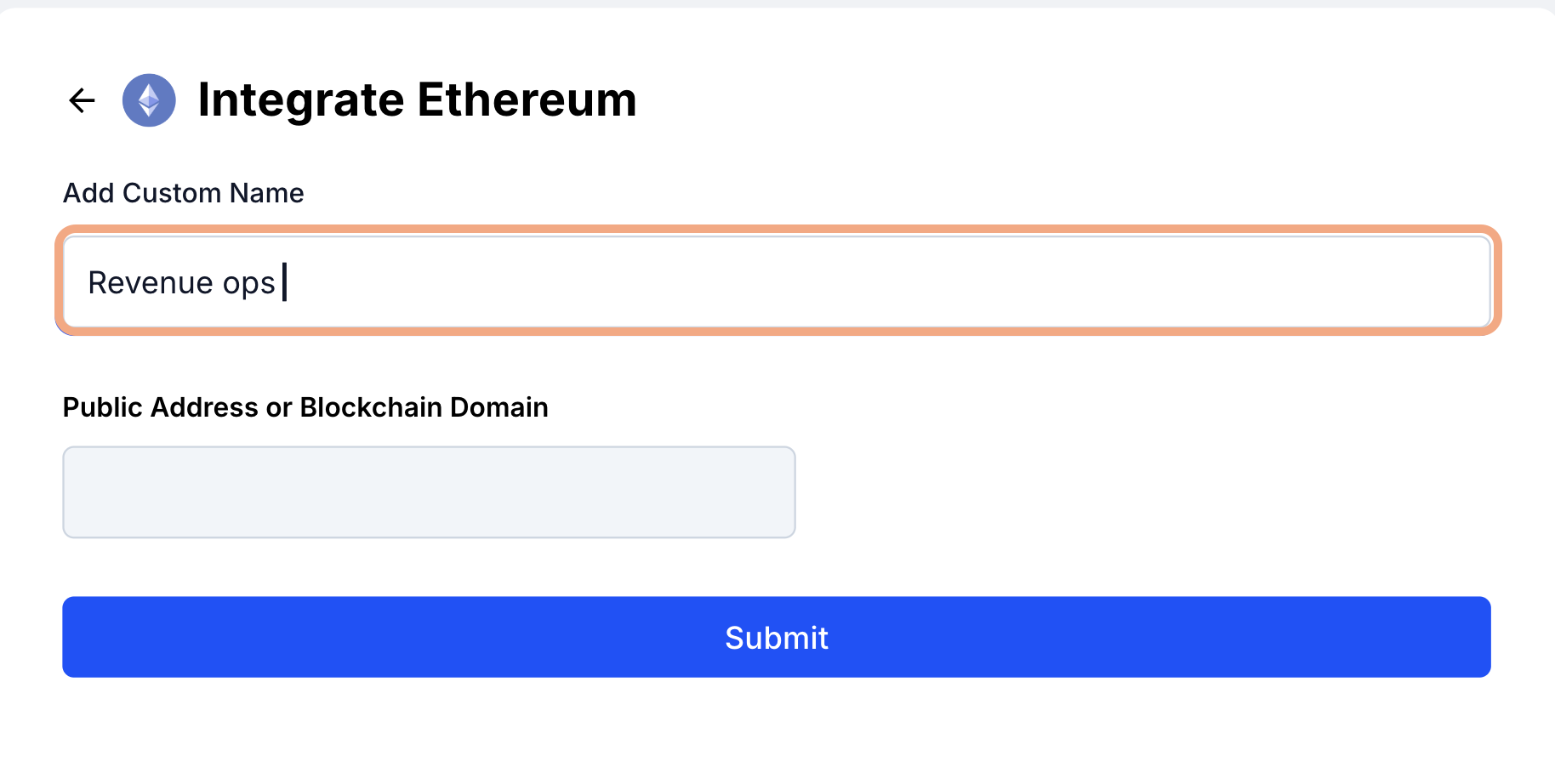
Name the Integration
Assign a recognizable name to the integration for easier identification.
6
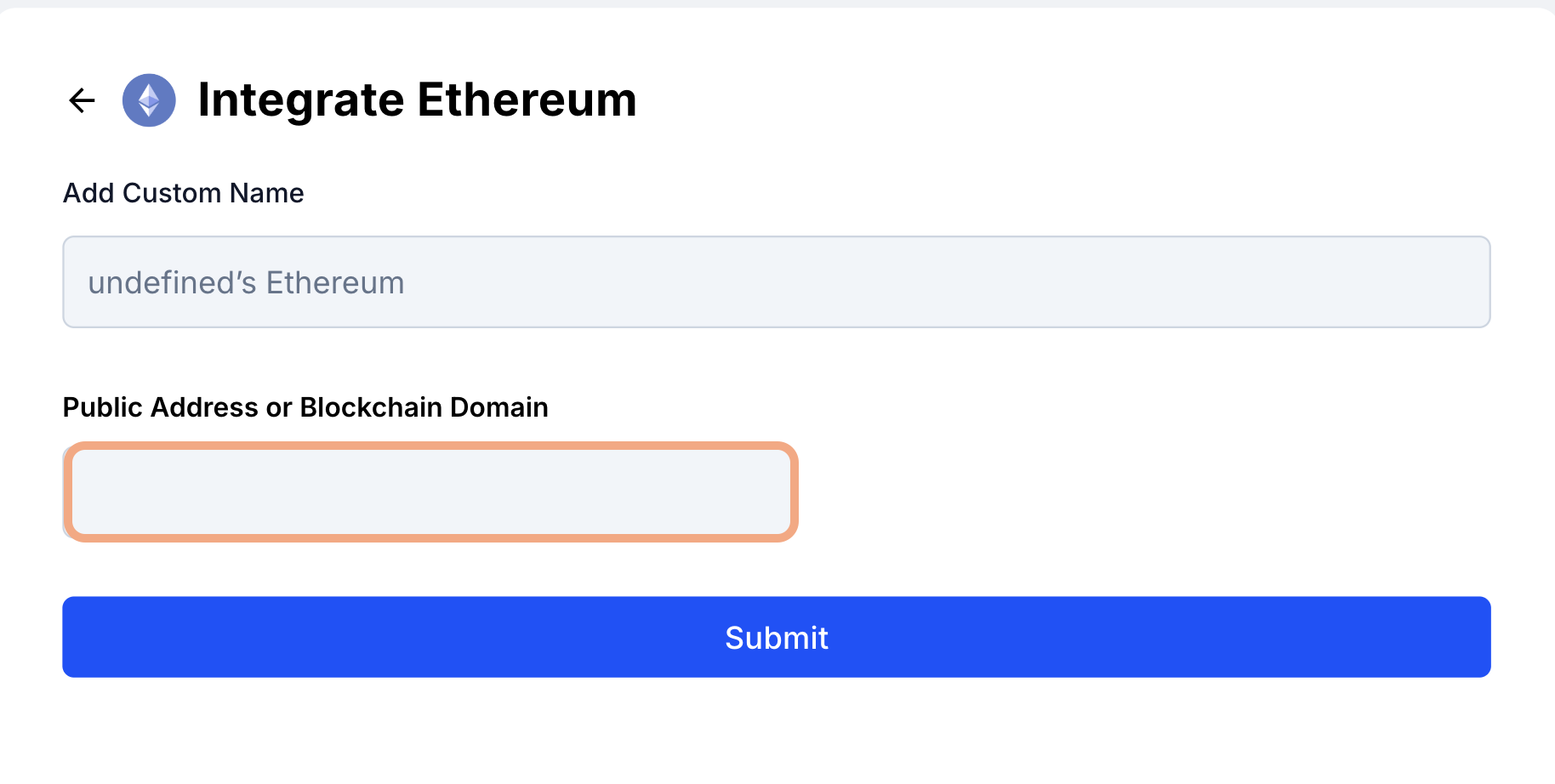
Enter the Blockchain Address
Paste your public blockchain address into the provided field.
7
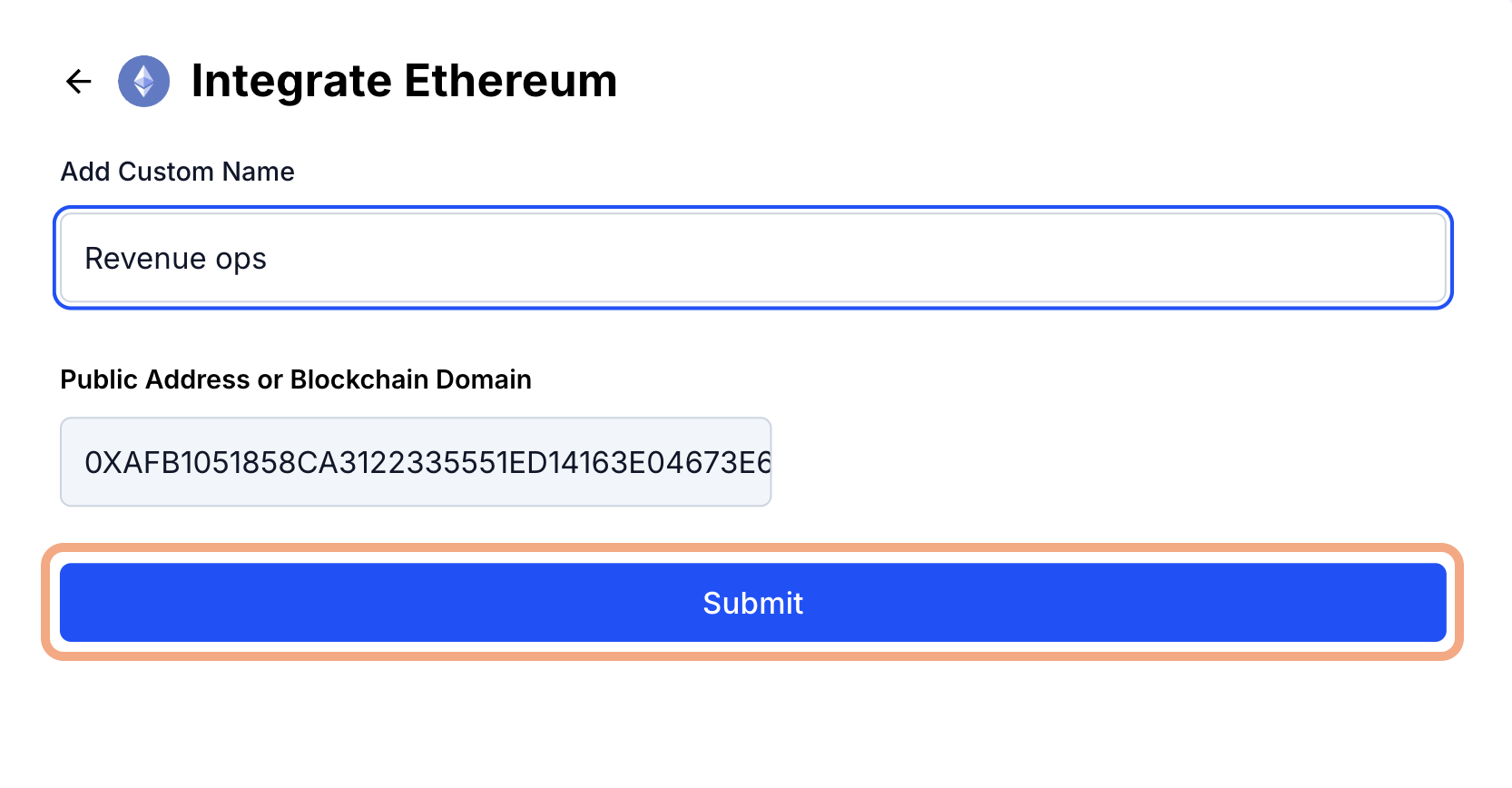
Submit the Address
Click Submit to proceed.
8
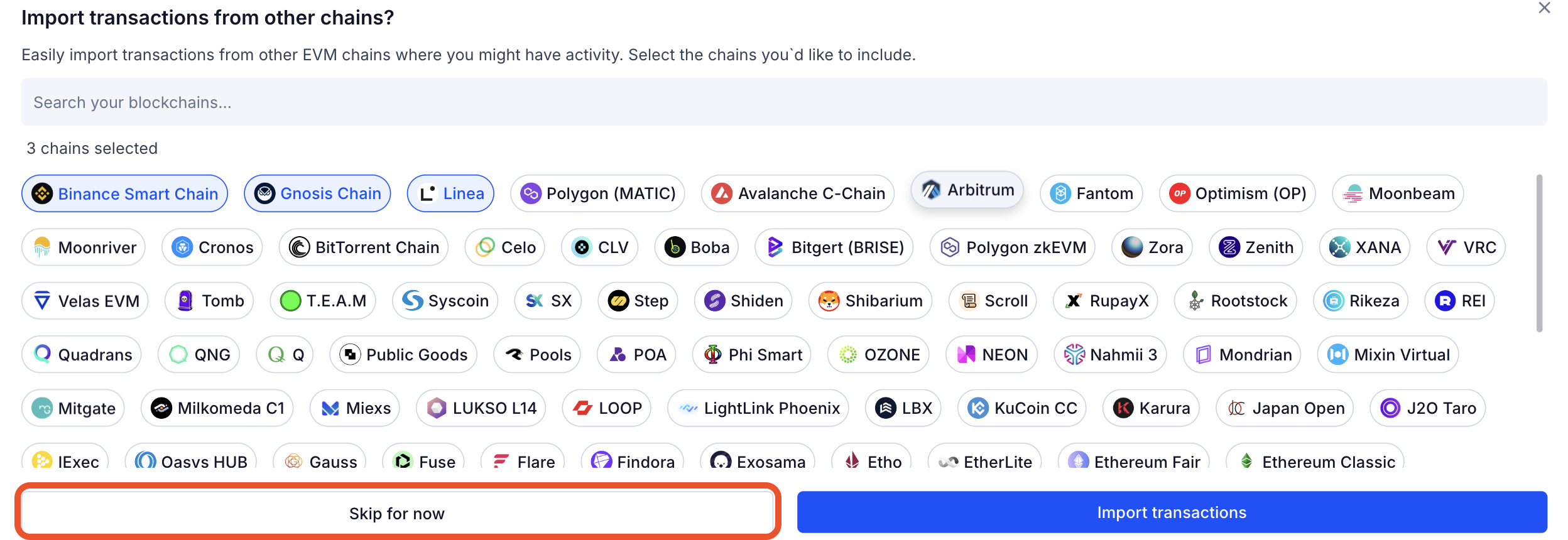
Select Additional Chains (Optional)
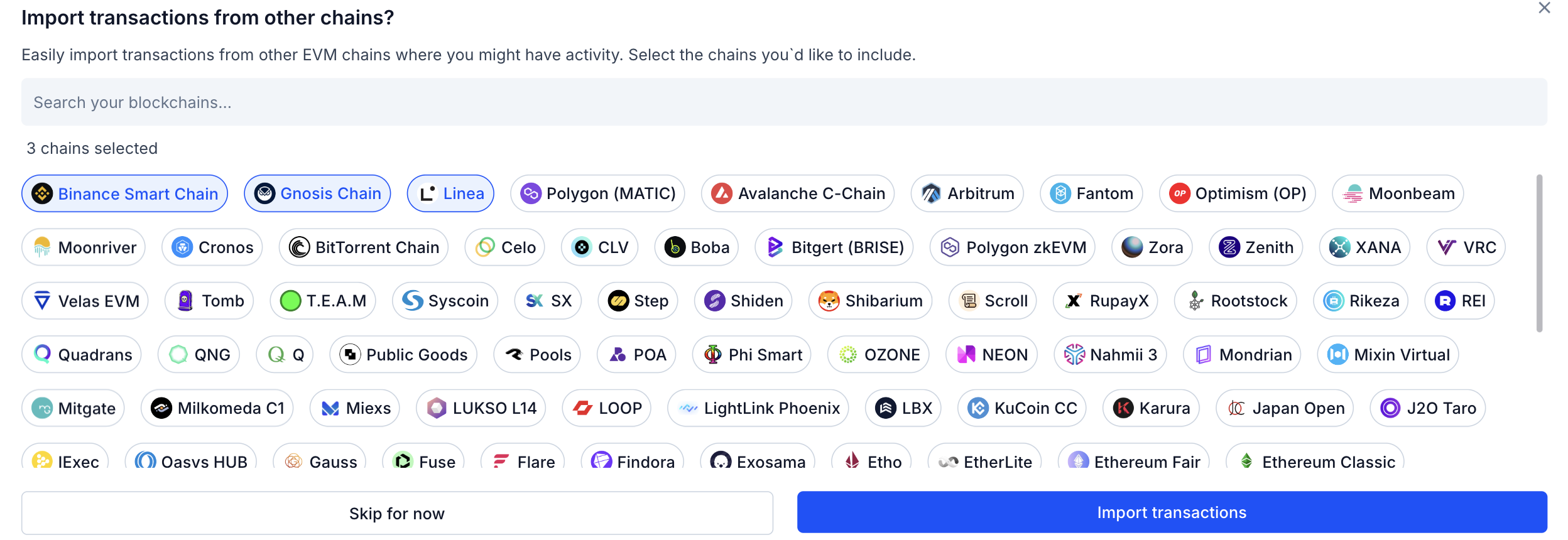
If your address is used on multiple chains, you can select them to bulk import transactions across networks.
9
Skip if Not Applicable
Click Skip if no additional chains apply to your wallet address.
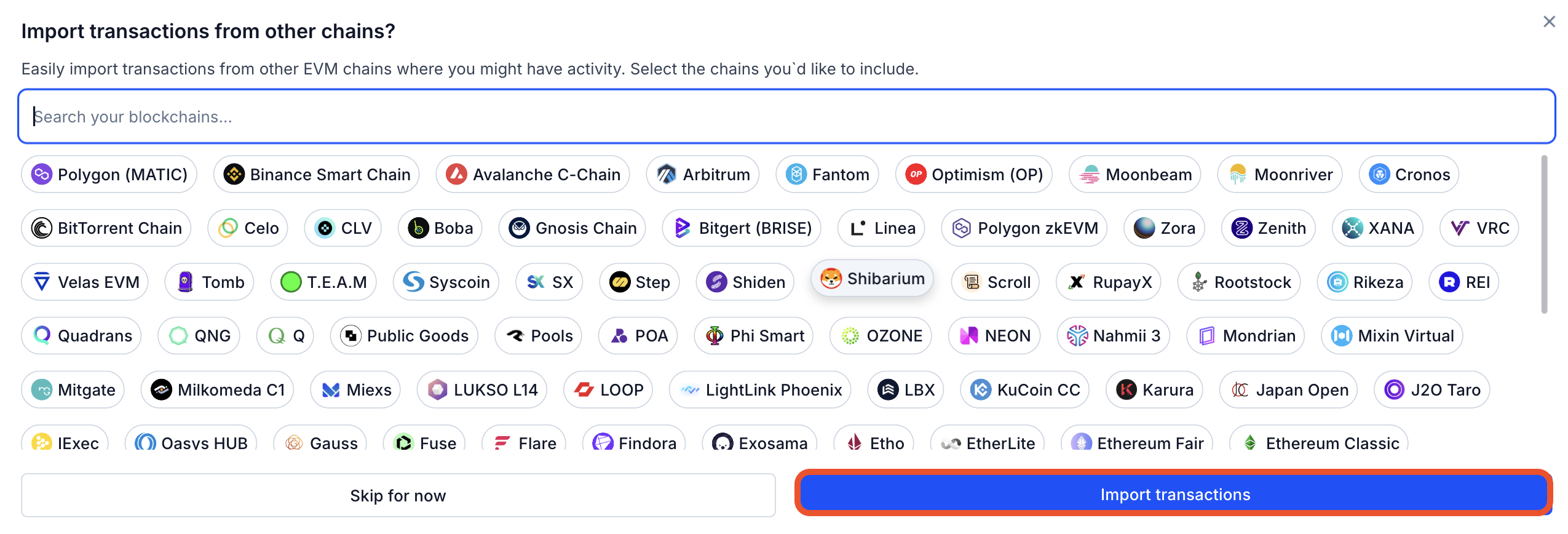
10
Import Transactions
Click Import Transactions to complete the integration and fetch your transaction data.
Once the integration is successful, your blockchain transactions will automatically appear under the Transactions section in KoinX Books.