How to Add an Exchange Integration in KoinX Books Using CSV
A detailed guide to integrate your crypto exchange data into KoinX Books using CSV files.
KoinX Books makes it easy to add wallets and integrate exchanges. With KoinX Books, you can easily upload a CSV file to manually import your transaction data. Once uploaded, it will import your complete transaction, including trades, deposits, and withdrawals.Follow these steps to manually upload your transaction history using a CSV file:
1
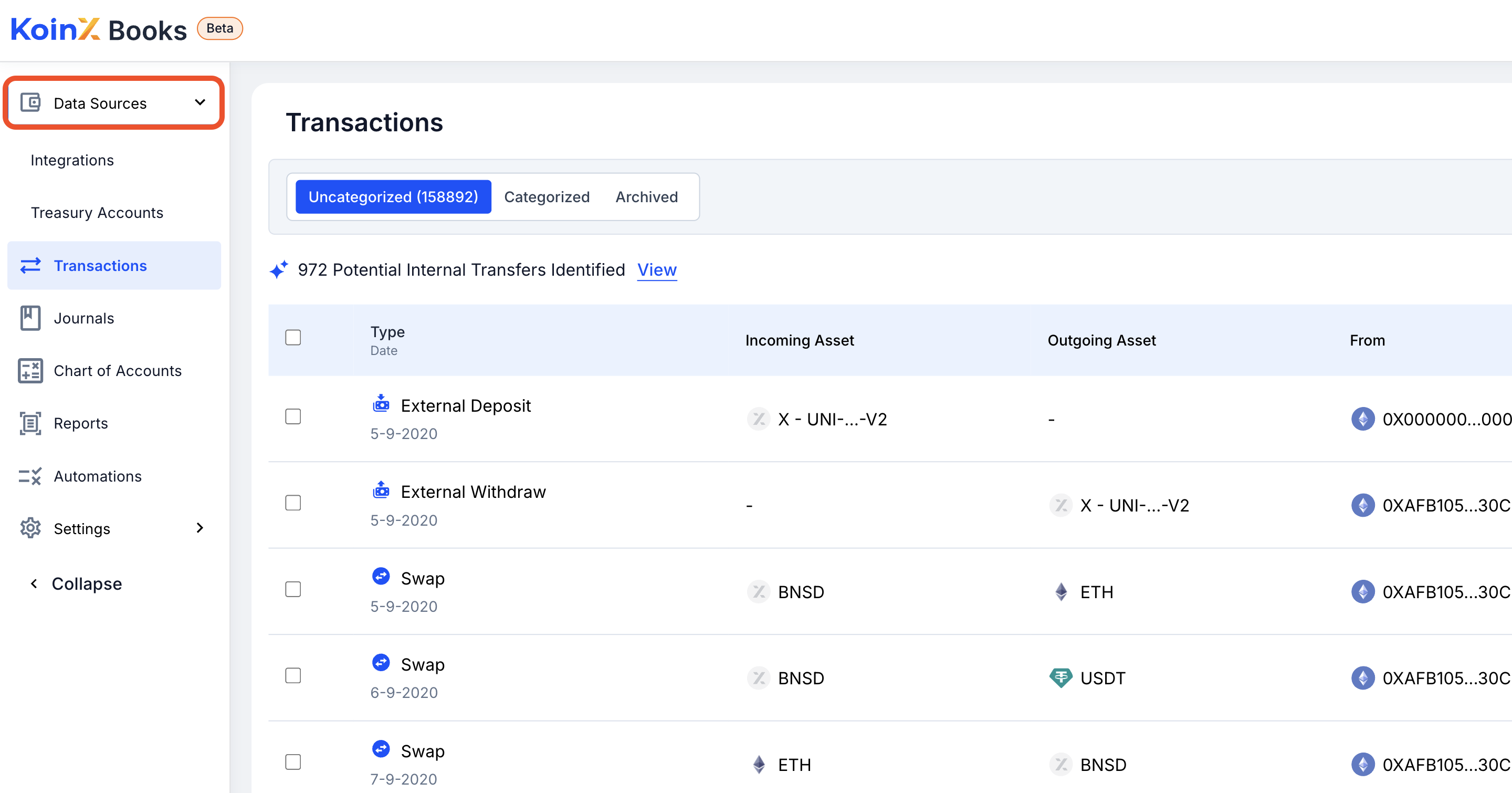
Navigate to Data Sources
Log in to your KoinX Books account and go to the Data Sources section from the main menu.
2
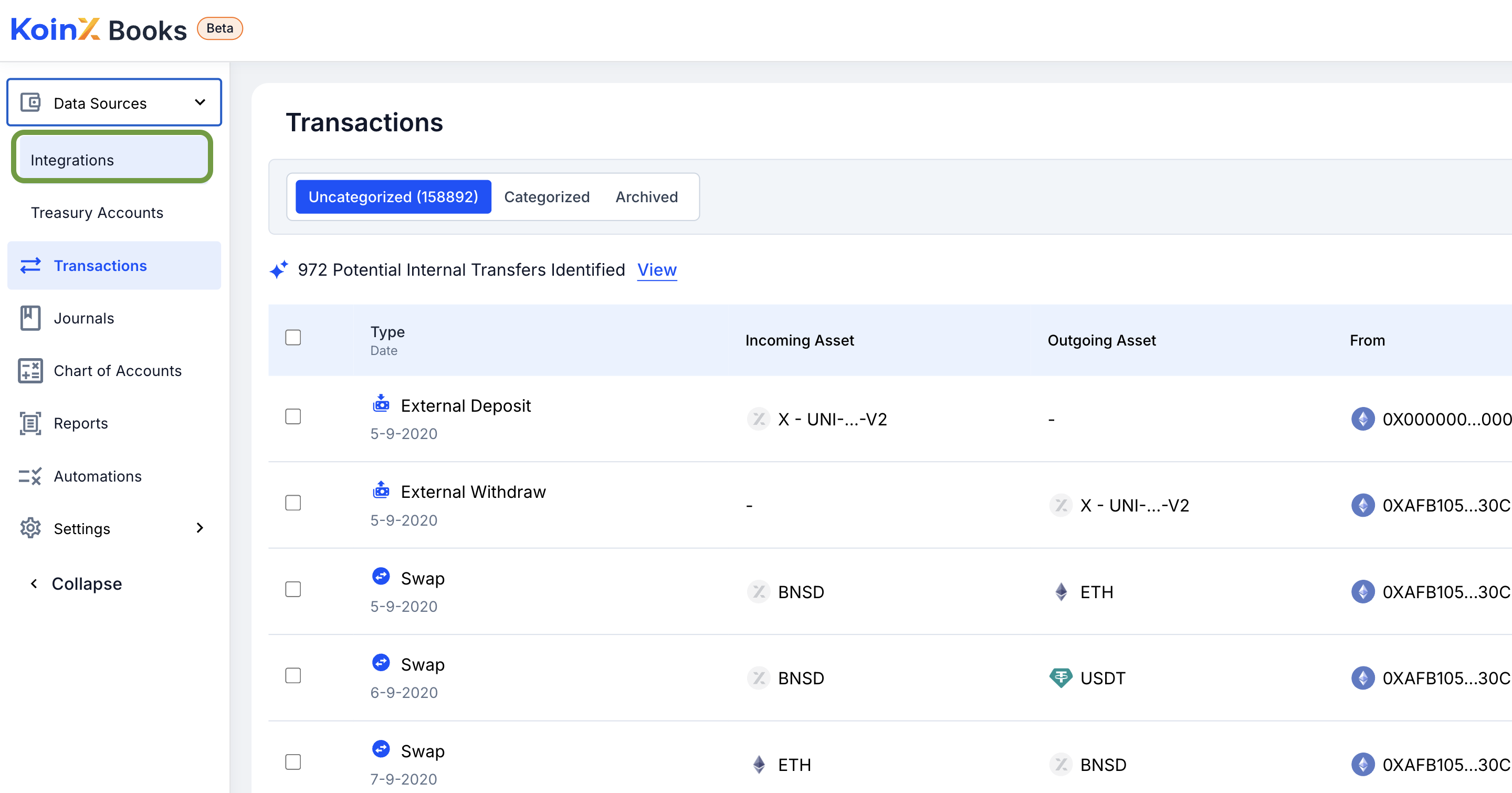
Click on Integrations
Select the Integrations tab to view available exchange options.
3
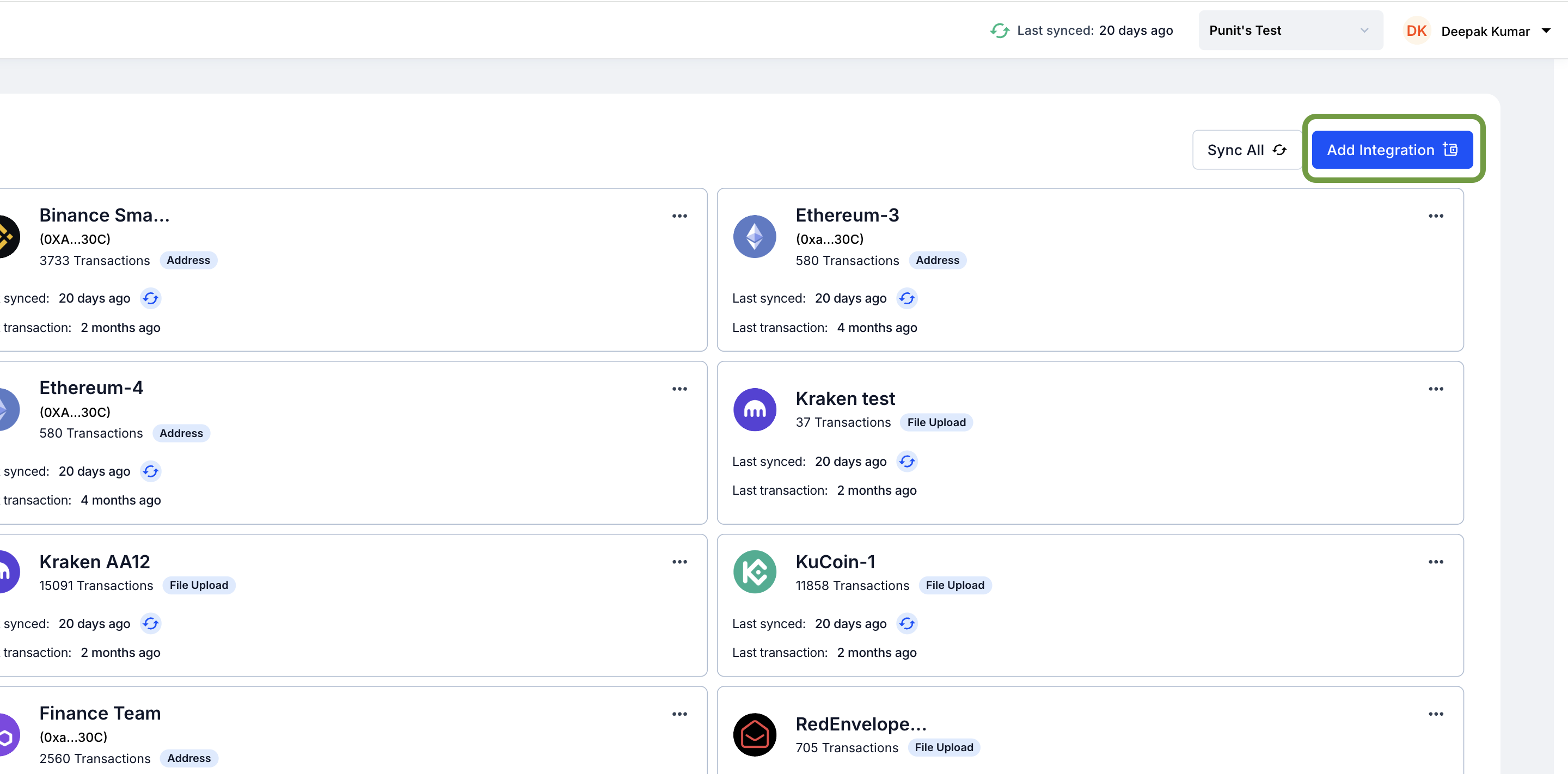
Add a New Integration
Click the Add Integration button to begin the setup process.
4
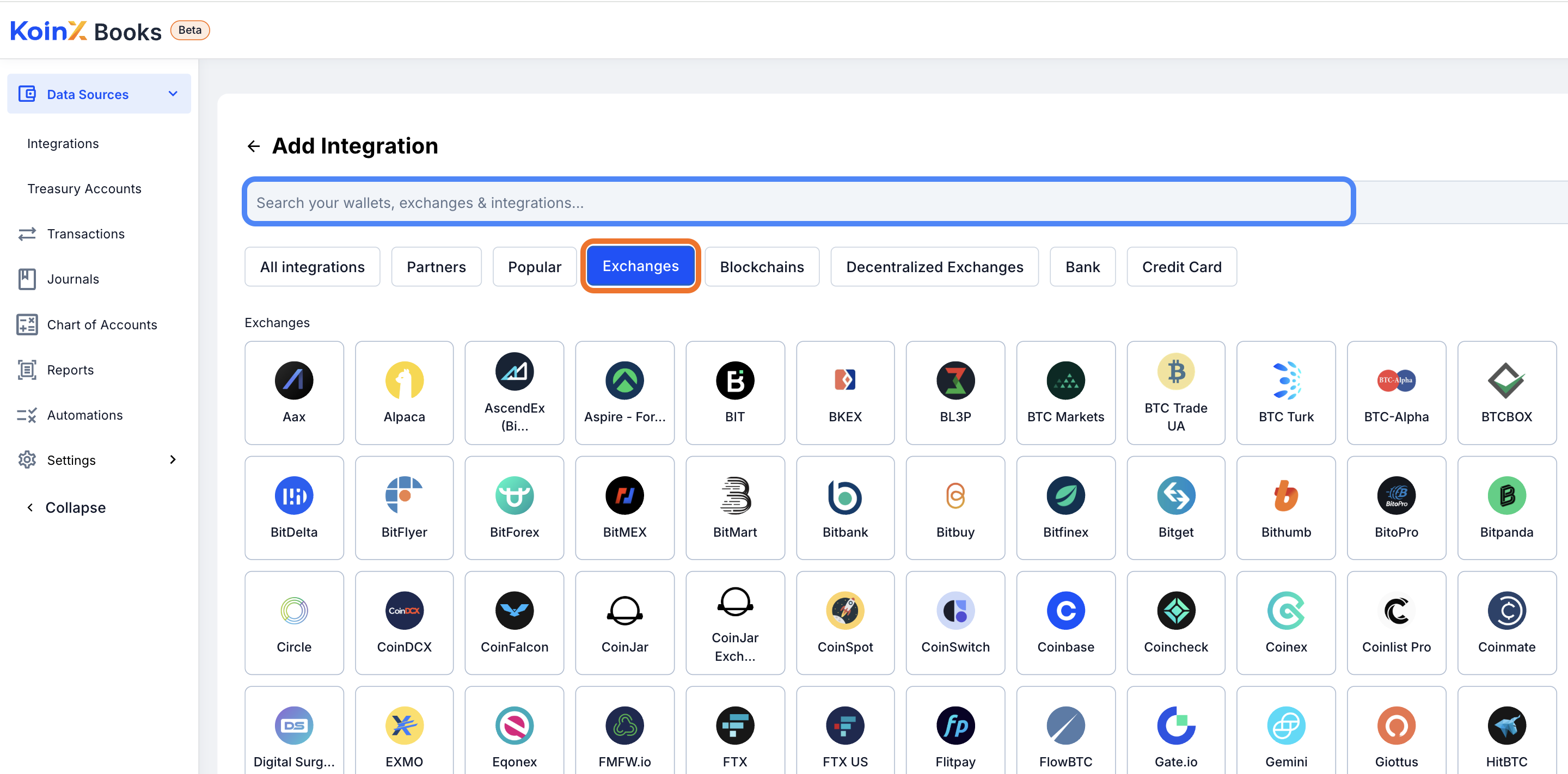
Select the Exchange
Search for or select your exchange from the list of supported platforms.
5
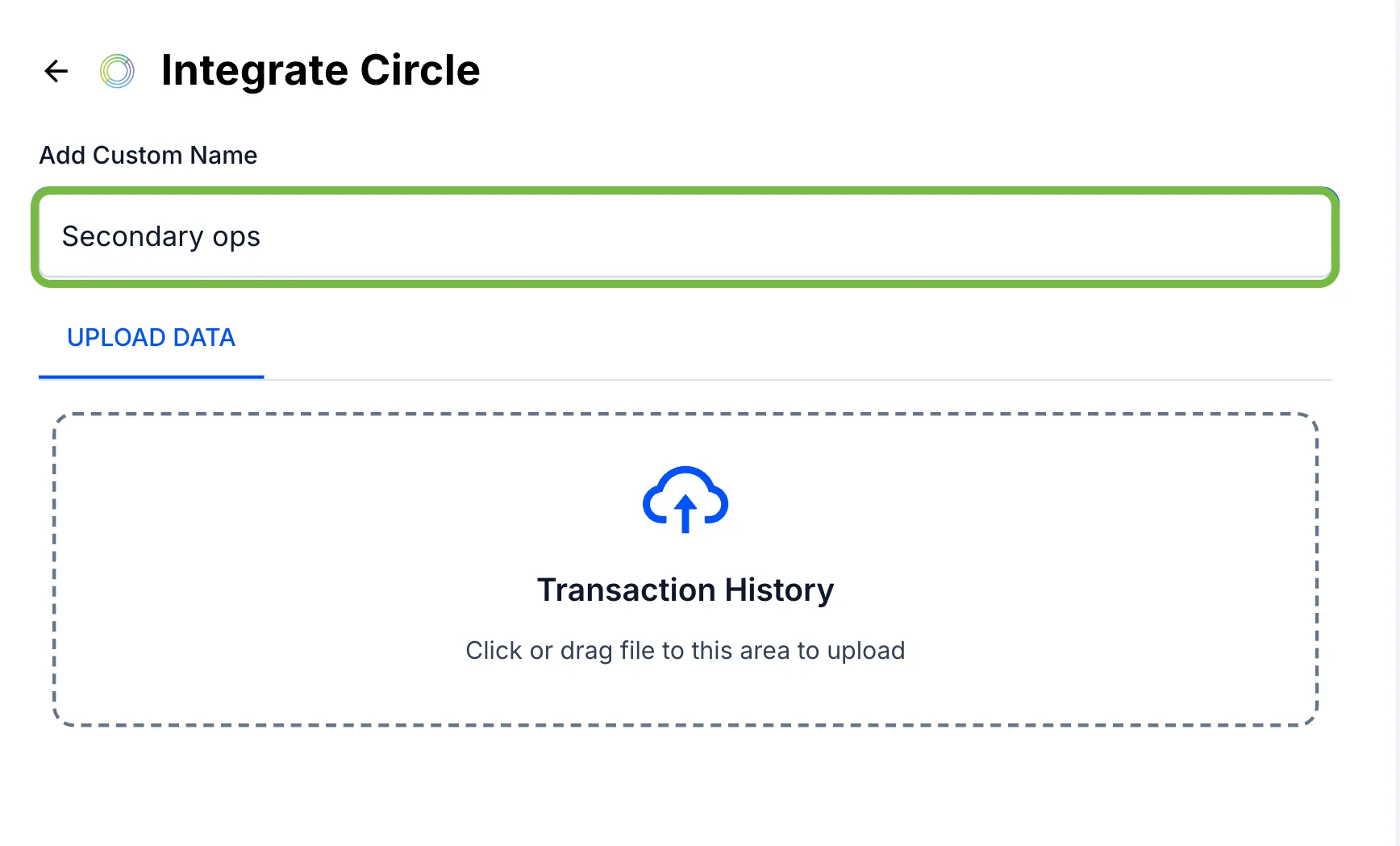
Name the Integration
Give your integration a meaningful name to easily identify it later.
6
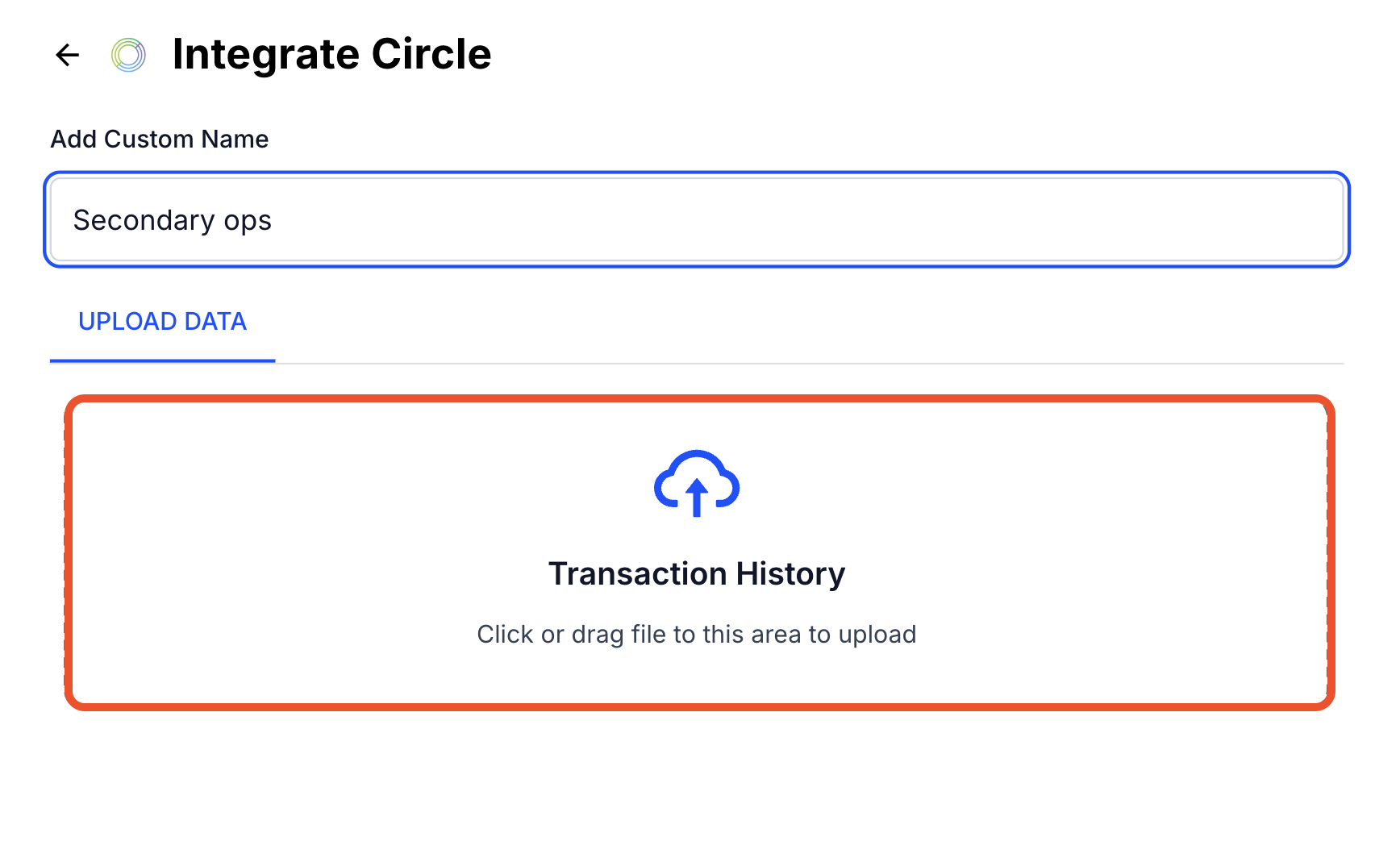
Upload the CSV File
Upload the CSV file containing your transaction history, as per the format supported by the selected exchange.
7
Submit the File
Click Submit to complete the integration. Your transactions will now be imported and reflected in your KoinX Books account.